

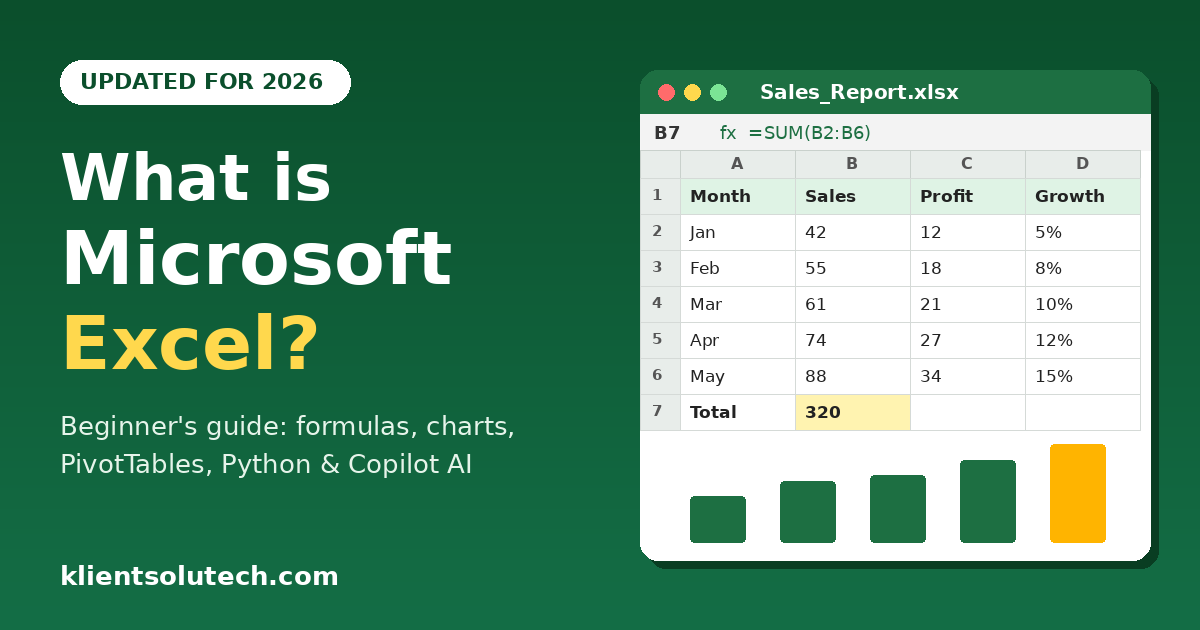
Microsoft Excel is spreadsheet software from the Microsoft Office suite, now called Microsoft 365. In Excel you create an electronic spreadsheet to do mathematical, logical, financial, and everyday calculations by using formulas. Today you can also analyze data with charts, PivotTables, Python, and AI tools like Copilot.
Quick answer: Microsoft Excel is an electronic spreadsheet application used to store, calculate, analyze, and visualize data. Its file is called a Workbook.
I wrote the first version of this post in 2017. Excel has changed a lot since then, so I have updated this article for beginners, students, and job seekers who are learning Excel in 2026.
What is Microsoft Excel?
Microsoft Excel is also known as a Workbook and an Electronic Spreadsheet.
A group of worksheets is called a workbook. It is called an Electronic Spreadsheet because Excel calculates figures automatically with formulas. You write the formula in the first cell, and the other cells can follow the same pattern. That is how formulas create “electronic” calculation in Excel.
Cell address example: A1 means A is the column and 1 is the row.
Where can you use Excel today? Excel now runs on Windows, Mac, the web browser (Excel for the web), and mobile phones. You can save your workbook to OneDrive and work on it with your team at the same time, which was not easy in 2017.
What is Excel used for?
1. Calculation
You can add, subtract, multiply, and divide numbers by using formulas. You can also sort and filter data. Calculation means monthly income and expense tracking, sales and profit calculation, website traffic analysis, and so on.
New since 2017: Older formulas like VLOOKUP still work, but newer ones make life easier:
- XLOOKUP replaces VLOOKUP and HLOOKUP. It looks in any direction and is easier to write.
- FILTER, SORT and UNIQUE (dynamic array formulas) return a whole list of results from one formula. You do not need to copy the formula down.
- LET and LAMBDA let you name values and build your own reusable formulas.
- TEXTSPLIT, VSTACK and HSTACK help you clean and combine data without long formulas.
Note: Some of these functions are only available in Microsoft 365 and Excel 2021 or later, not in Excel 2016 or earlier.
2. Data analysis
To reach a new conclusion or find a new idea, you need to analyze data. Excel helps business owners analyze data visually after performing calculations. To visualize data you can use charts, shapes, conditional formatting, and more.
For example, a user can do logical and mathematical marketing calculations, then show the results with charts, SmartArt, PivotTables, and slicers. That helps them take business decisions more confidently. In simple words, data analysis means reducing the risk in a business decision.
New since 2017:
- Power Query (Get & Transform Data) imports and cleans data from files, websites, and databases. You do not need to repeat the same cleaning steps every month.
- Analyze Data (earlier called Ideas) suggests charts, trends, and PivotTables from your data.
- Data types such as Stocks and Geography pull live information into your cells.
- Python in Excel lets you run Python for advanced analysis, forecasting, and statistics inside your workbook. Availability depends on your Microsoft 365 plan.
3. AI and automation (new)
This is the biggest change since 2017. If you have Microsoft 365 with Copilot, you can type what you want in plain English, and Excel helps you do it:
- Copilot in Excel can write formulas, clean data, create charts and PivotTables, and explain what a formula does.
- Agent Mode can plan and carry out multi-step tasks in your workbook, such as building a table, a chart, and a summary from raw data.
- The =COPILOT() function works like a normal formula. It can summarize, classify, or generate text from your cells and update when your data changes.
Note: Copilot features need a Microsoft 365 plan that includes Copilot, and some features need the file saved on OneDrive or SharePoint. Check which features your plan includes, because rollout differs by plan and country.
My advice from training students: use AI to save time, but still learn the basics. If you do not understand formulas, you cannot check whether the AI’s answer is correct.
4. Data visualization
Visualization of data means presenting data and information to another person in a simple and meaningful way. It helps them make decisions and see business situations, good or bad, clearly.
Example 1: Teachers can use Excel to show students complex math terms visually. That helps students understand the logic of formulas and their effect in daily life.
Example 2: A bank manager can use Excel to present data visually to the team. Visual communication of data helps team members work on their next task at the bank.
Today Excel gives you more ways to do this: modern charts such as waterfall, funnel, and map charts, sparklines, slicers, and timelines, plus dashboards you can share online.
Here you can learn in details: Top 8 Most Powerful Uses of Microsoft Excel in daily life
Why is Microsoft Excel so popular?
Microsoft Excel is much more popular than other spreadsheet applications because it gives users the freedom to do whatever they want with formulas. Anyone with financial creativity can get the greatest benefit from it. It is also one solution for many of our daily-life financial problems.
In 2026, Excel is still one of the most asked-for skills in job descriptions for accounts, MIS, data entry, digital marketing, sales, and operations roles. I have seen this with my own students, so I think you should read why it is important to learn Microsoft Excel.
How to learn Microsoft Excel in 2026
- Start with the basics: cells, rows, columns, formatting, and simple formulas like SUM, AVERAGE, IF, and COUNTIF.
- Focus on three menus: Insert, Data, and Formulas. Most of the real work happens here.
- Learn the modern functions: XLOOKUP, FILTER, SORT, and UNIQUE.
- Learn PivotTables and charts. They are the most used skills in jobs.
- Try Power Query once you are comfortable with the basics.
- Use Copilot to practice, if you have access. Ask it to explain a formula, then check the result yourself.
- Practice with templates. Excel has ready-made templates for budgets, invoices, and planners.
- Press F1 to open Excel Help, which is still useful.
There are also many free and paid sources online to help you learn Microsoft Excel.
Already know the basics? Check your level with the free MS Excel Online Test.
Frequently Asked Questions (FAQ)
What is Microsoft Excel in simple words?
Microsoft Excel is spreadsheet software where you store data in rows and columns and use formulas to calculate it automatically. You can also make charts, PivotTables, and reports from the same data.
What is the difference between a workbook and a worksheet?
A worksheet is a single sheet with rows and columns. A workbook is the Excel file, and it can contain one or many worksheets.
What is Microsoft Excel used for?
People use it for calculations, budgets, sales and profit tracking, attendance and marks, data analysis, reports, and dashboards. In jobs it is common in accounts, MIS, sales, operations, HR, and digital marketing.
Is Microsoft Excel free?
Excel for the web is free with a Microsoft account, but it has fewer features. The full desktop version comes with a paid Microsoft 365 subscription or as a one-time purchase in some Office versions.
Which Excel version should I learn in 2026-27?
Learn on Microsoft 365 if you can, because it has the newest functions like XLOOKUP, FILTER, and the Copilot tools. The basics are the same in older versions, so you do not need to wait to start.
What are the most important Excel formulas for beginners?
Start with SUM, AVERAGE, COUNT, IF, COUNTIF, SUMIF, and VLOOKUP. Then move to XLOOKUP, FILTER, and PivotTables.
What is the difference between VLOOKUP and XLOOKUP?
VLOOKUP can only look to the right of the lookup column. XLOOKUP can look in any direction and is easier to write. XLOOKUP is available in Excel 2021 and Microsoft 365, but not in older versions.
Can AI or Copilot do my Excel work for me?
Copilot can write formulas, clean data, and build charts and PivotTables from plain-English instructions. It needs a Microsoft 365 plan that includes Copilot, and you should still check its answers. That is why I tell my students to learn the basics first.
How long does it take to learn Excel?
With 30 to 45 minutes of practice daily, most beginners are comfortable with the basics in 3 to 4 weeks. Advanced topics like Power Query and dashboards take a few more months.
How can I test my Excel knowledge online?
Take the free MS Excel Online Test. It covers basic to advanced questions, so you can see where you stand before an interview or exam.


